Removing Members
note
Only owners and administratos can remove a member.
-
Navigate to Settings > Namespace.
-
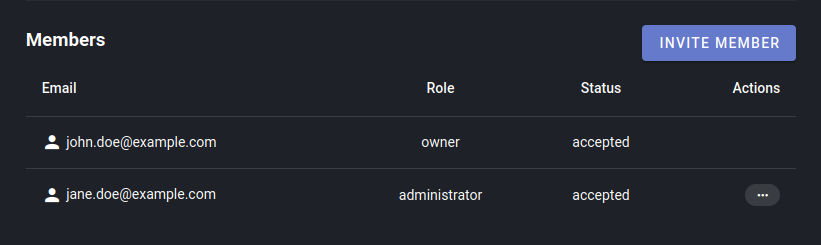
Click on the menu burger to the member you wish to edit, then select REMOVE from the dropdown menu.

-
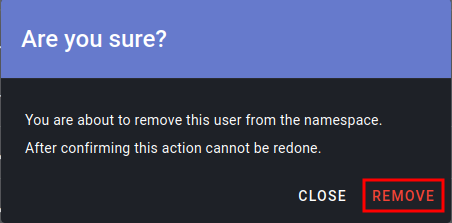
Click REMOVE to confirm your decision.